


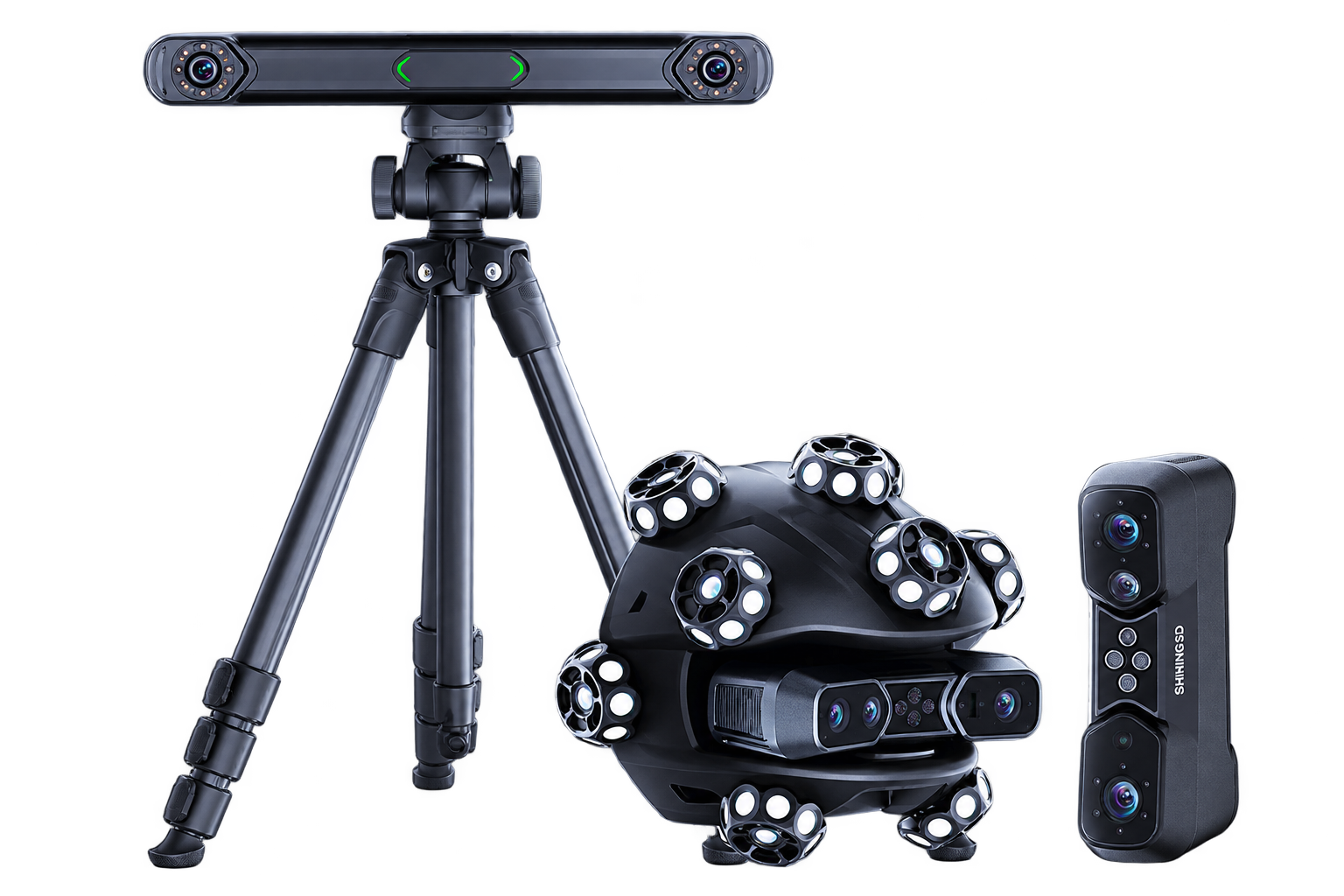
EinScan Trak tracked scanner. Click image to enlarge.
Pair SHINING 3D’s EinScan Trak with the TrueProp Virtual workflow to move from propeller surfaces to meaningful inspection data.
The proposed TrueProp Virtual EinScan Trak Bundle brings together wireless 3D capture, optical tracking and propeller-specific analysis. Use the tracked spherical scanner or the detachable handheld scanner to suit the geometry and access requirements of your job.
Prepare and align the exported STL mesh, extract radial blade data, and review propeller geometry in TrueProp for inspection and reporting.
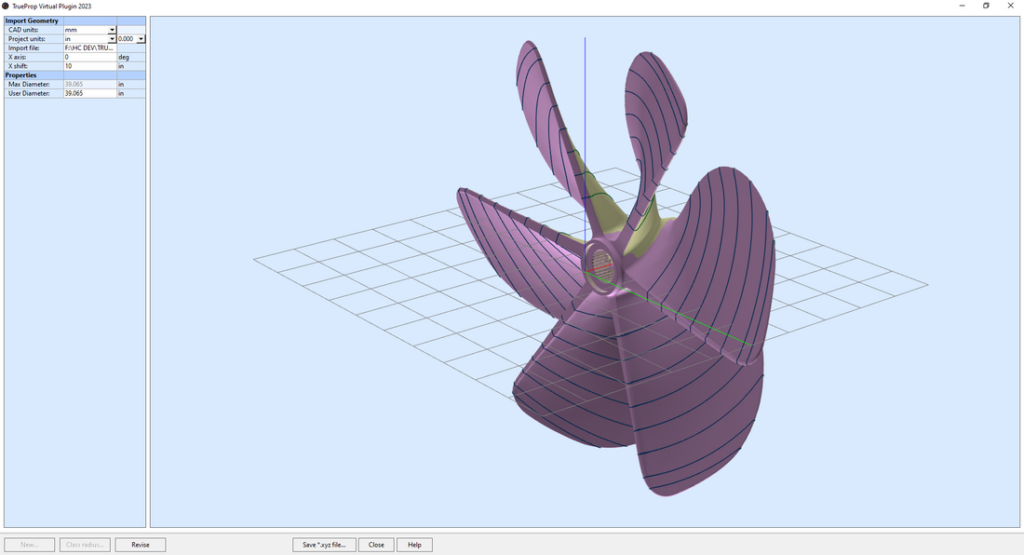
TrueProp Virtual: radial inspection sections displayed on a propeller mesh. Click image to enlarge.
Published TrueProp software screenshot; not an EinScan Trak validation result.
Capture the propeller geometry with EinScan Trak and EXScan Trak using an appropriate tracking or handheld setup.
Prepare, register and align the STL mesh, then extract radial blade data with the TrueProp Virtual workflow.
Review propeller geometry, compare inspection findings and communicate results through TrueProp reports.
The proposed Trak-to-TrueProp workflow remains subject to validation on representative propellers. Scan preparation, alignment and mesh quality are essential.
|
Specifications for FreeScan EinScan Trak
|
||
|---|---|---|
|
Working modes
|
Tracking + detachable handheld scanner
|
|
|
Laser configurations
|
38 crossed + 7 parallel + 1 single line
|
|
|
Published volumetric accuracy
|
Up to 0.1 mm*
|
|
|
Resolution
|
0.05–10 mm*
|
|
|
Published scanning speed
|
Up to 2,630,000 points/s*
|
|
|
Export formats
|
STL / OBJ / PLY / 3MF / ASC
|
|
*Published SHINING 3D values, not guaranteed marine-propeller inspection performance. Refer to the manufacturer’s full specifications and operating conditions.
Review the complete manufacturer specifications, scanning modes and operating requirements when planning your system.
View full manufacturer specifications →
Proposed application focus: 40–160 inch propellers. This is marine-market positioning, not an OEM-certified diameter range; confirm suitability on representative parts.


No. Single-station tracking can operate without markers on the part while the tracker and object remain stationary. Handheld and multi-station workflows may benefit from markers. Choose and validate the method for the job.
This is an application to evaluate. Blade access, tracker visibility, vessel and part stability, surface condition and inspection requirements all matter. Discuss your installation before choosing a system.
No. They are different SHINING 3D systems. FreeScan Trak Nova is a separate option in TrueProp’s current product range. Choose around your inspection requirements.
Tell us what you inspect. Let’s explore the right setup.